Install
npm i -g fleetview
Needs Node 24 or newer, macOS or Linux, and at least one of the opencode, claude or copilot CLIs on PATH. opencode is optional, but it is the default backend and the only one with answers from the roster, shell jobs and fork.
Then run fleetview, or try it first with npx fleetview. Nothing is installed globally, but the opencode server it starts keeps running after you quit; fleetview server stop stops it.
What it does
-
Multi-backend
One roster over opencode, claude, and copilot sessions. Any one of the three is enough. With opencode installed, claude and copilot join the roster once you use them (
@claude,@copilot, or--backend); without it, the roster runs on whichever of them is installed.
-
Dispatch
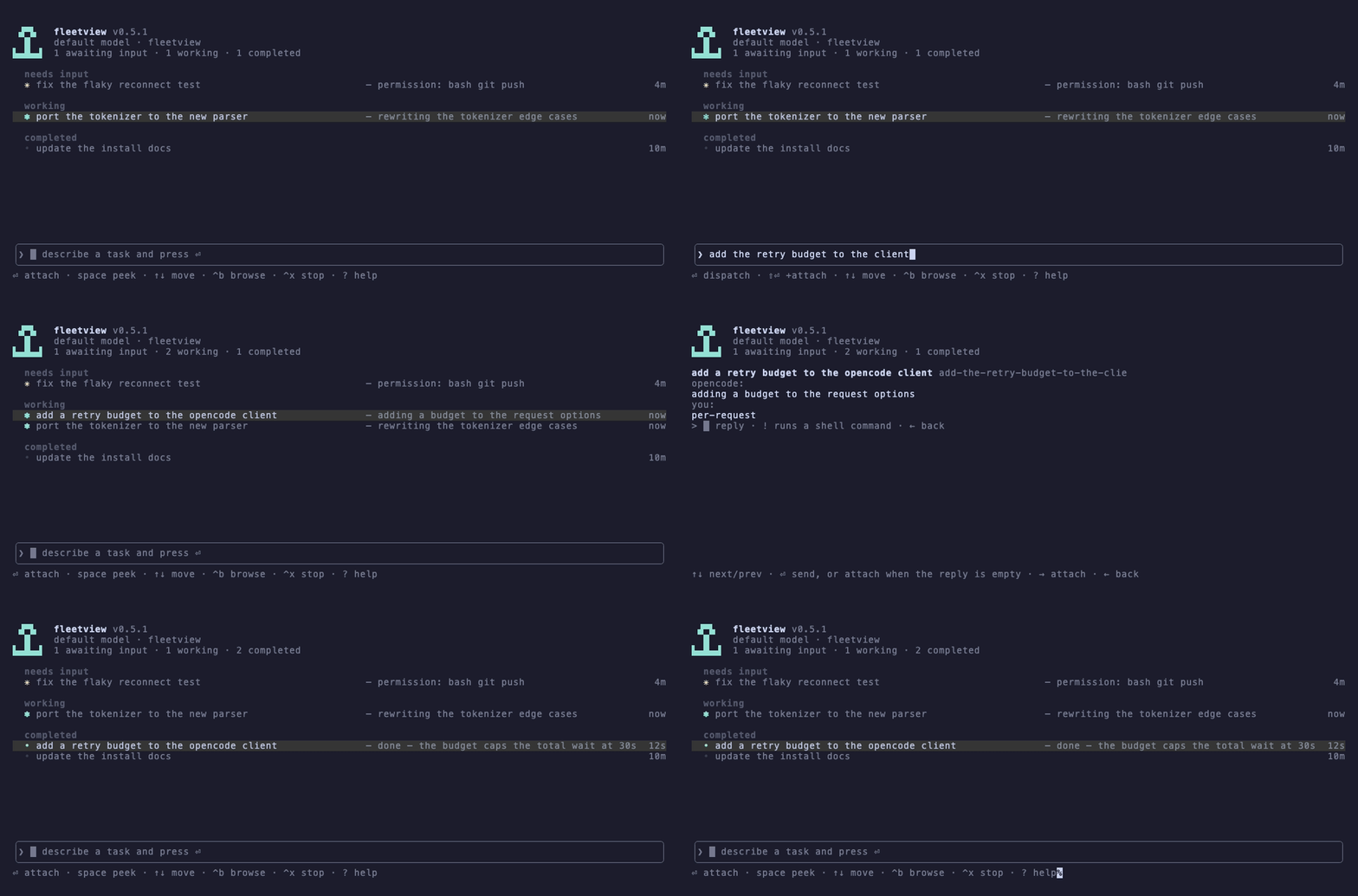
Describe a task in the input box and fleetview starts a backgrounded agent for it.
@completes to a repository, a subagent, or another backend.
-
Peek and answer
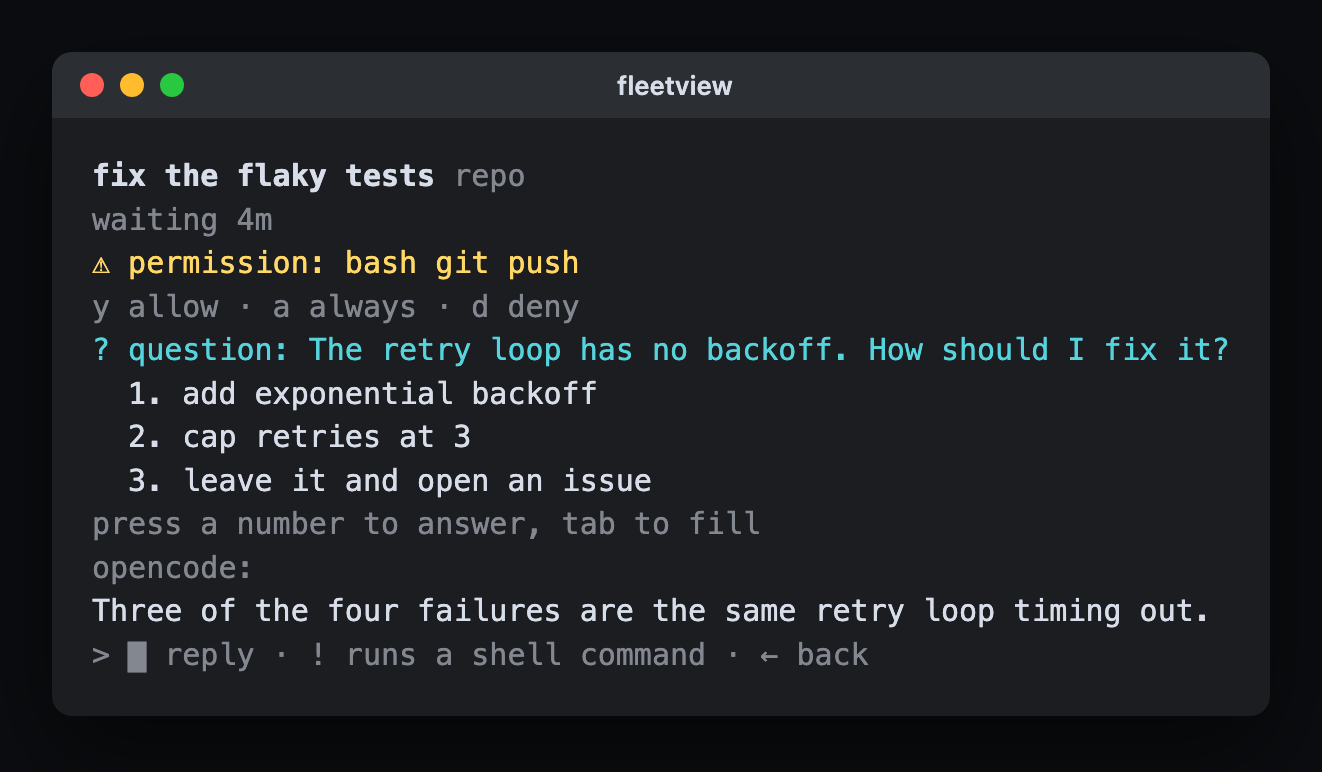
Read an agent's latest output without attaching. A permission is one key, a question is a numbered list.
-
Attach and detach
Enter drops you into a live session; ^z puts it back on the roster still running. Close fleetview entirely and the sessions keep going.
-
Worktree isolation
Every dispatch into a git repository, on opencode, claude or copilot, runs in its own worktree on an ordinary branch, so parallel agents never fight over your checkout.
-
PR awareness
A session with an open pull request carries a #N label, coloured by what needs attention, so a long-running roster stays legible.